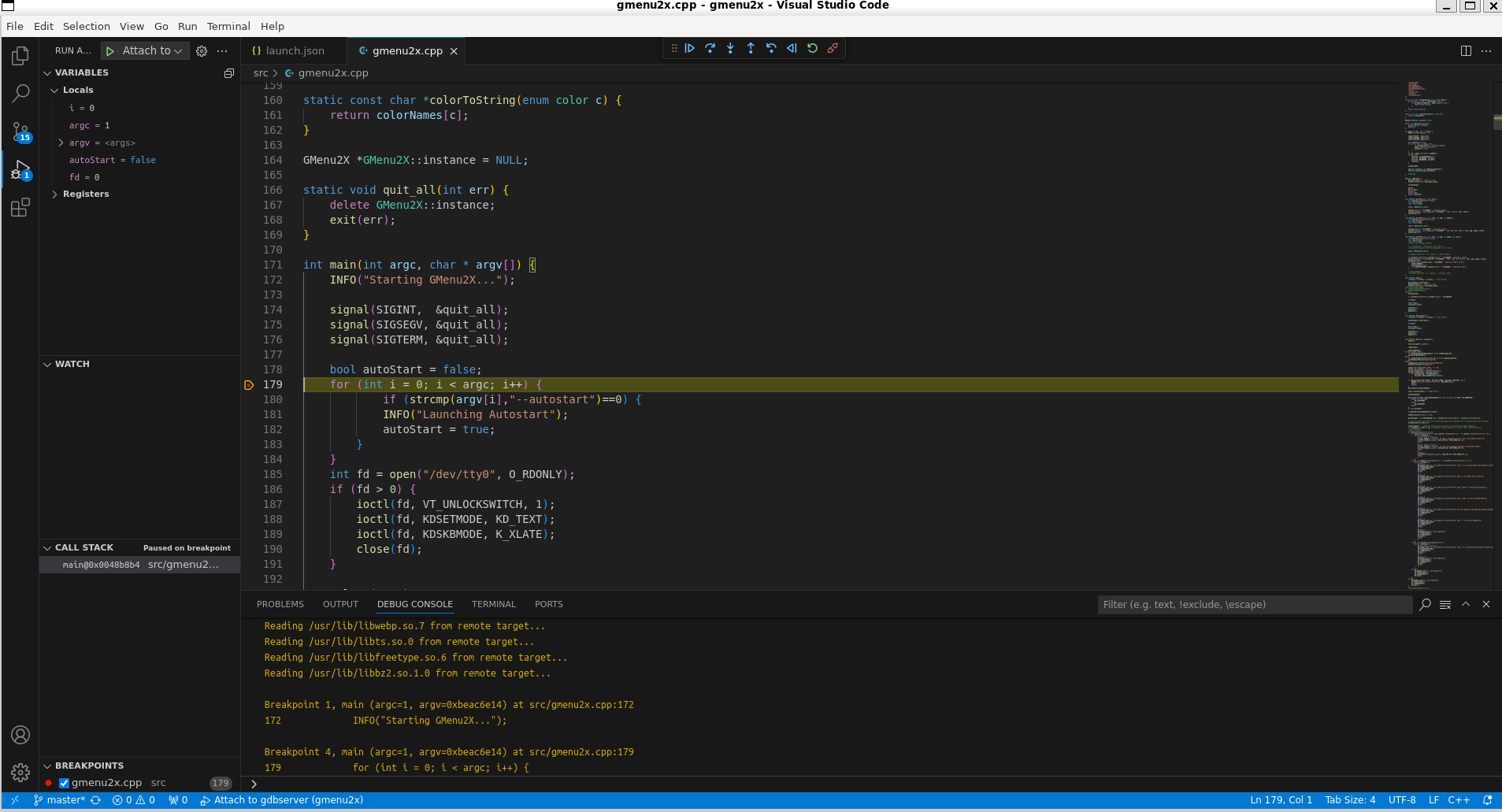
Remote debugging
How to run remote debugging on miyoo device using VS code and gdbserver
- Install the Native Debug extension for VS Code
- Add below launch configuration to Run configurations in VS Code (Run->Add Configuration..)
{
    "version": "0.2.0",
    "configurations": [

        {
            "type": "gdb",
            "request": "attach",
            "name": "Attach to gdbserver",
            "executable": "<path to binary relative to workspace root>",
            "target": "192.168.137.1:9999",
            "remote": true,
            "cwd": "${workspaceRoot}",
            "gdbpath": "/opt/miyoo/usr/bin/arm-linux-gdb"
        }
    ]
}
You will need to correct "executable" and optionally "gdbpath" (if your SDK is on non-default path)
-
On miyoo device start gdbserver with application:
-
via terminal
-
via gmenu2x gdbserver.lnk launcher:
-
Start debugging in VS code (Run->Start Debugging)